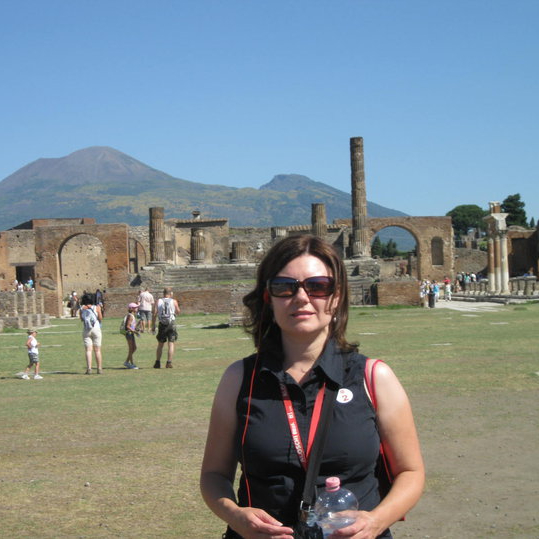
In November 2024 I took a vacation back to Arizona, and of course I wanted to look at cacti while I was there. During this trip we spent a few days in Tucson, and I had hoped to see some new species. While I had spent time in Phoenix and north while I lived there, I had only visited Tucson for work. There is more variety in cacti species in that area versus the Phoenix area, so I thought I would take some pictures and try to identify them with my field guide. Then I forgot to bring the book with me on the trip. However, I remembered that I had downloaded the iNaturalist app right before I moved away from Arizona. I had never gotten a chance to try it, but I gave it a try on this trip.
The iNaturalist app allows you to join projects, such as the urban saguaro census (the reason I originally downloaded it), and make observations. Seek is a separate companion app that allows you to identify plants in the field just for fun. I used the Seek app on this trip. For both apps you just point the camera at the plant, snap a photo within the app, and it gives you an identification, in some cases instantly. Other times it struggles and only gives a partial identification. I think that it struggles when plants are not in flower and look very similar. Sometimes it could only get the general plant type, maybe further narrowing it to the proper genus but not the species. Other times it popped up the exact species immediately or after brief contemplation. Sometimes it was just wrong. For example, I think it confused the Mexican cardon and the saguaro when the saguaros were young and had no arms (we were in Saguaro National Park, so I am pretty sure they were saguaros). I think it also struggled when the cacti were very young, so the features were not as defined. I used it on other plants besides cacti and had a similar range of results. Seek also confused a fast red bug for a snake – you can also identify wildlife, albeit slow wildlife, in the app. The app saves the picture to your photos and in the app. It also notes when and where you saw it, so you have a plant journal of sorts within the app. Be careful because it warns you that it will not save your observations in the app if you change phones. I will have to note my observations in my cactus book (see below) before I get a new phone this spring.
I still haven’t gone through all (hardly any, actually) of my pictures and compared the app identification to the field guide. That is a new project I have started – a physical plant/cactus journal. I have a small, looseleaf notebook, and I am in the process of printing my cacti pictures. I am attempting to identify the species, while noting when and where I saw them. In using the Arizona field guide, the ultimate goal would be to see every plant in the guide in the wild. While this probably will not happen because some of them are rare and/or in hard-to-reach places, it will still be a fun goal to work toward. Perhaps I can do the same for other states. I have seen field guides for Utah and Texas, and I assume New Mexico and California also have guides, and possibly other states as well (Colorado?). More research for me! In the end, using the app was a lot of fun, even if it wasn’t always accurate. I plan to check out other apps as well to compare. But I do know that iNaturalist is a respected app among biologists, so I will trust it to a point and try to supplement with a field guide.
Just a note, as you are out and about, be careful where you step because some of those cacti are very tiny! Check out the one where I included my shoe for a size reference. One day on this trip we were on a trail in Coronado National Forest, and when we stopped, I would venture carefully off the road and look for cacti. Some were tiny, likely a combination of young ones and some that are just small, so I was always careful where I stepped so I did not damage them. It was a great trip, and I found a few that I had never seen before. I also attempted to take an interesting agave picture to frame. At some point my whole house might be decorated in a cactus and succulent theme! Enjoy trying out the app on your own, and comment with other plant ID apps that you have tried.
NOTE: The Tucson Cactus and Succulent Society has released a new version of the field guide that I have written about before. It can be purchased locally in Arizona or through the TCSS website: https://tcss.club/fieldguide/index.html. I just got my copy, and I am ready to see the differences – I had the 2nd edition, and the new one is the 4th edition.
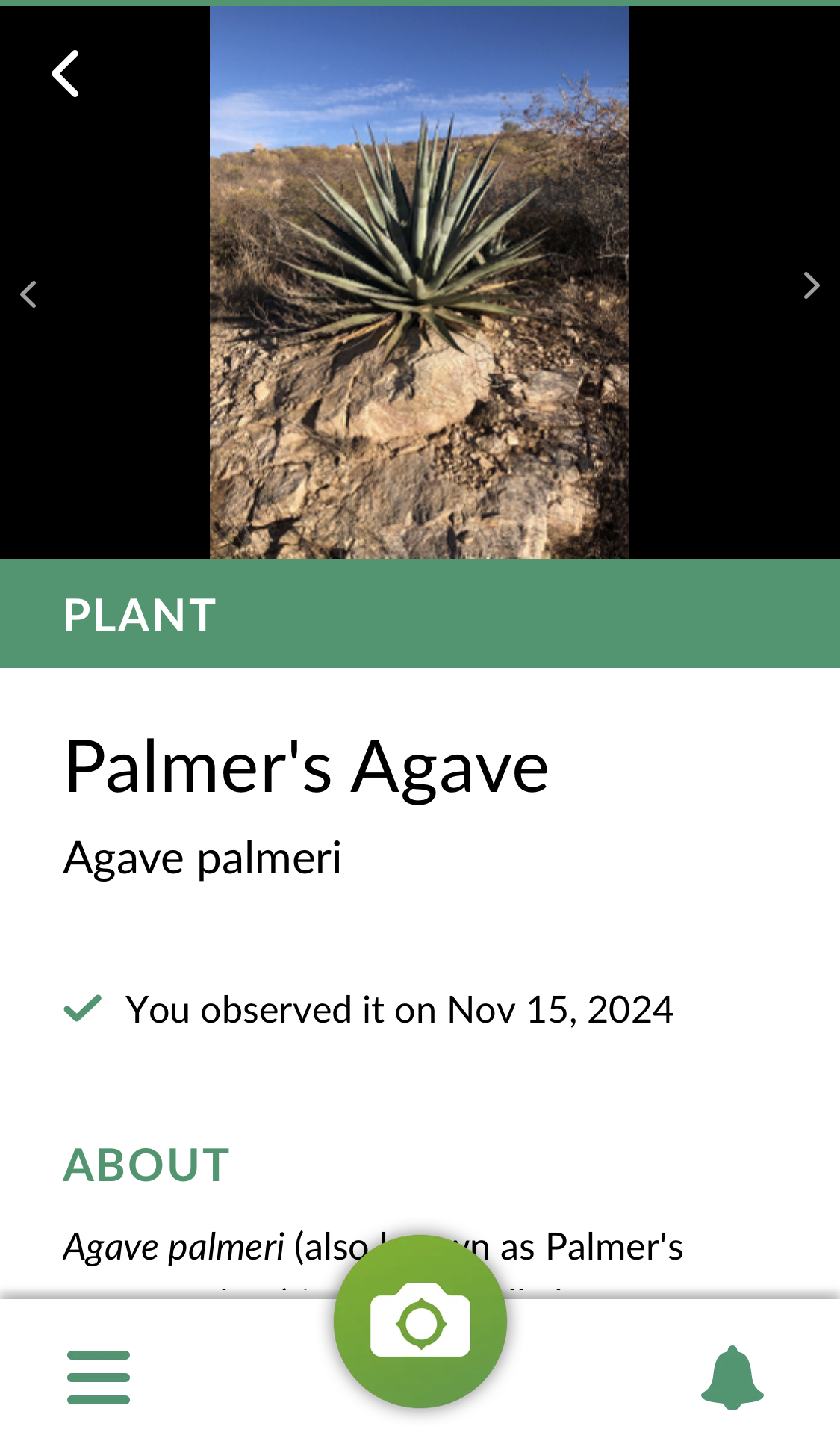
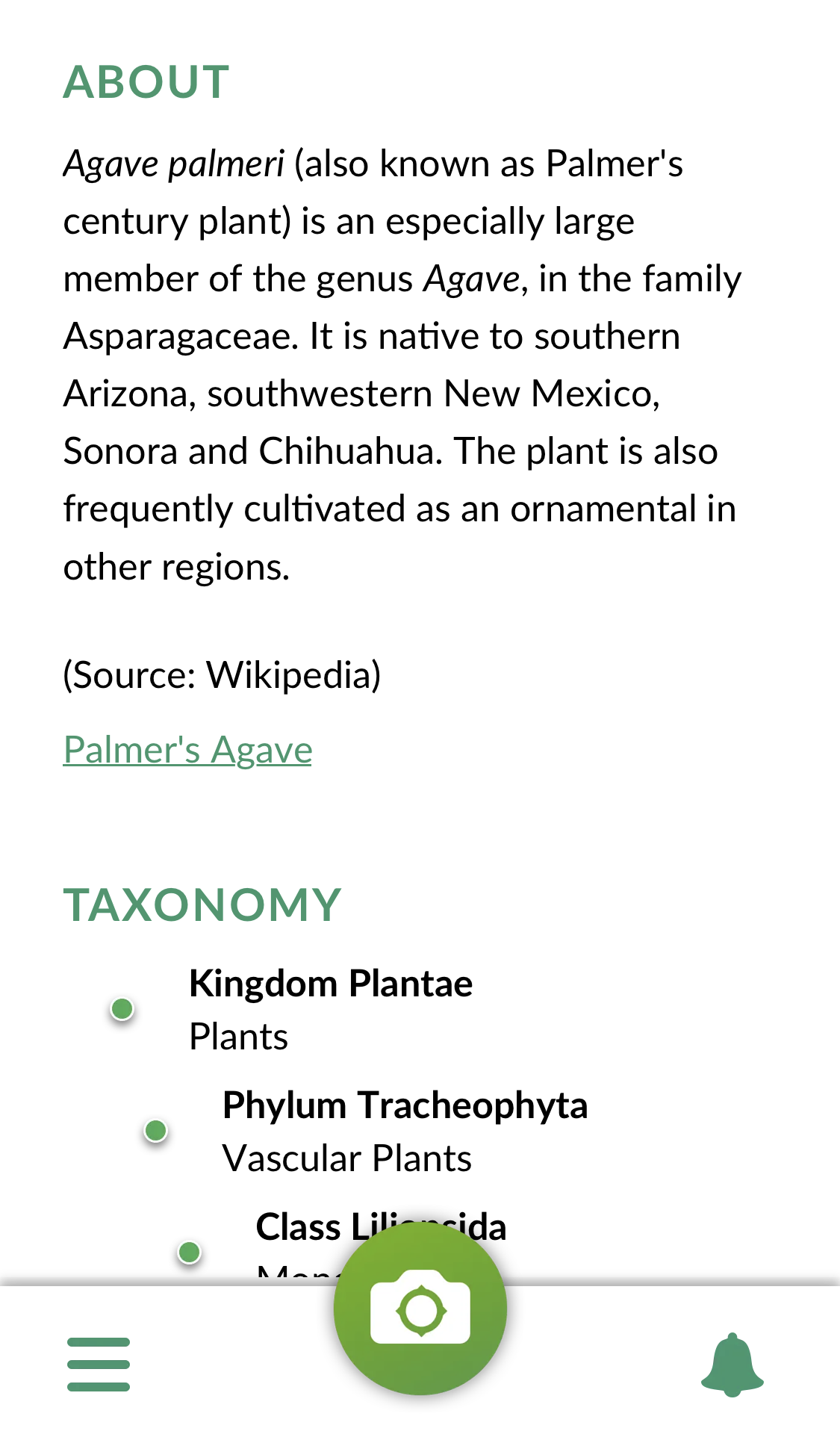
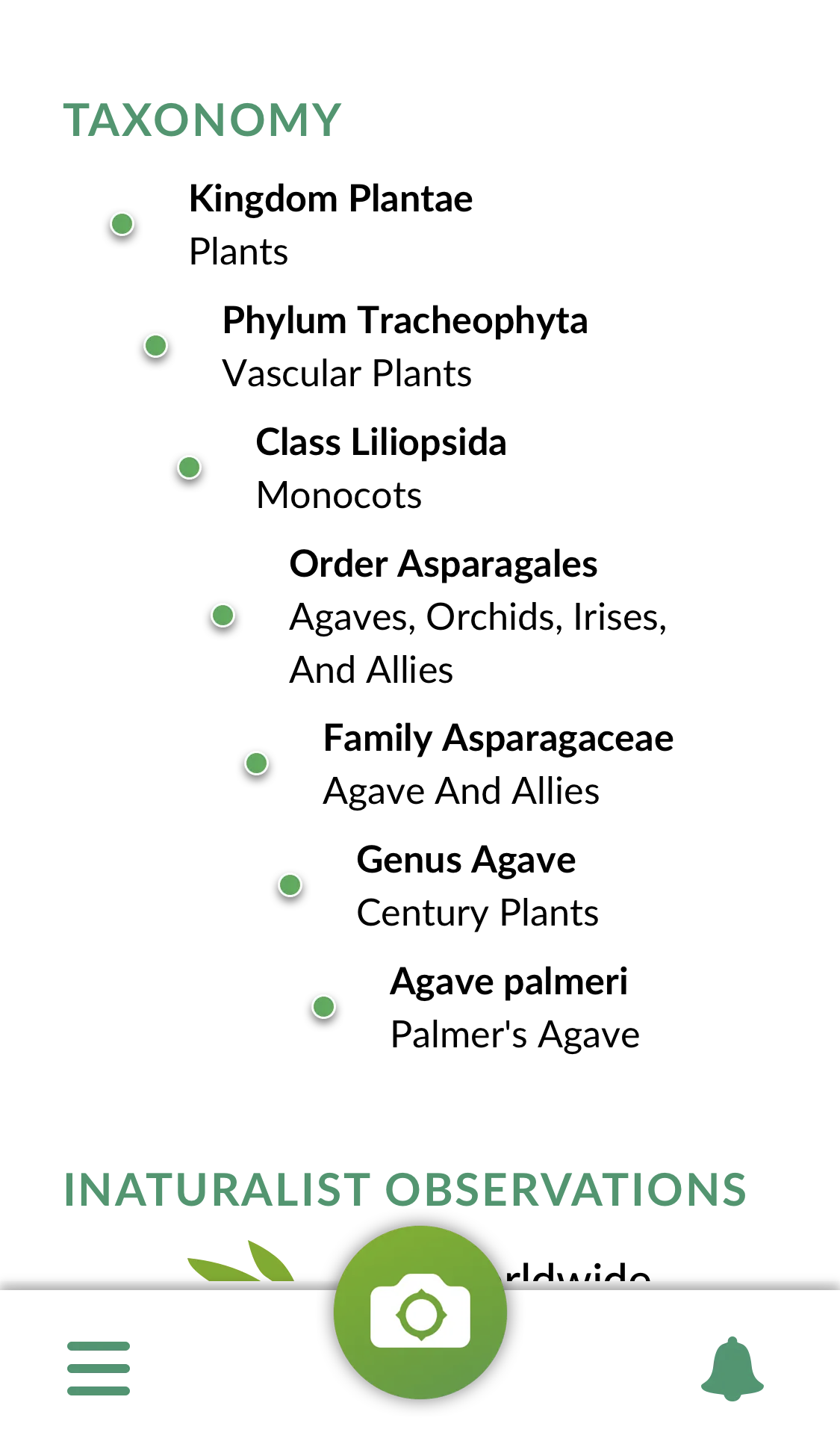
I have included some images from the Seek app so you can see what kind of information it gives you. It will also give you an idea of species to look for in your area (location must be on) on the home screen. There are challenges to join and badges to earn as you make more observations. The app will also show you other images of the species that will help you confirm the correct species, including up close images. Based on my research, including the location where this picture was taken, the app was correct in this identification.
Drop your favorite plant ID app in the comments!

 Michelle Rambles